Save money with pay as you go
Experience smoother, contactless train travel.
- No more tickets - just tap in and tap out to pay.
- No queuing, no waiting, no hassle.
- Your fares are capped daily and weekly.
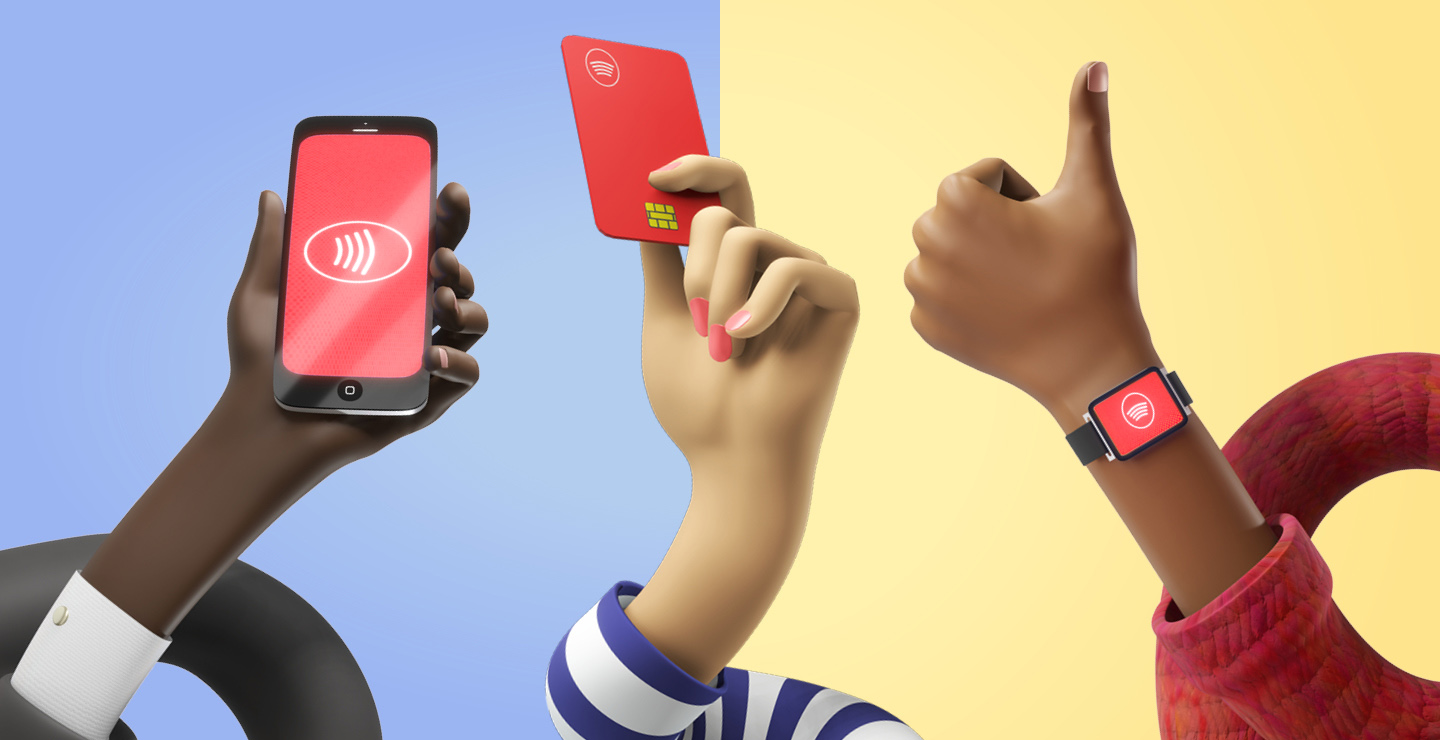
How it works

Tap in with your card or device at your origin station

Tap out with the same card or device at your destination station

Pay the equivalent best-value fare
Top tip: Remember to tap in and tap out for every part of your journey. If you’re making a return journey, remember to tap in and tap out for that too.
See how much you could save
Where can I use pay as you go?
We have two separate pay as you go areas: one in South Wales and one in North Wales.
- Pay-as-you-go journeys must start and finish in the same area.
- Pay as you go cannot be used to travel outside these areas or to travel between South Wales and North Wales.
Use the links below to see where you can use pay as you go and which rail operators accept this method of payment.


Tap in and tap out for the correct fare
Please remember to tap in and tap out, or you may have to pay more for your journey:
- £10 incomplete journey charge if you don’t tap out.
- £20 penalty charge if you travel without tapping in.
Top tips:
Use the same card or device to tap in and tap out. Do not switch between payment methods, even if they're linked to the same bank account.
If you’re using your phone, make sure you select the same digital card to tap in and tap out.
Use your Railcard when you tap in and tap out
We’re running an open pilot that lets you use your Railcard with pay as you go. We’ll compare the pay as you go fare against the equivalent non-pay as you go fare with your Railcard discount applied. We’ll then charge you whichever fare is cheapest. Your Railcard’s terms and conditions apply.
*Eligible railcards only
Register to track your journey and payment history
For the best pay as you go experience, get an account on our app or website and link your payment card. You’ll get:
- Tailored support if you have any problems.
- Your full journey and payment history for the past 12 months.
- Easily downloadable travel receipts.
- Alerts if you forget to tap out (helping you avoid extra charges).
Frequently asked questions
How does pay as you go work?
Use a contactless Europay, Mastercard or Visa card to tap in at the start of your journey and tap out at your destination. You can also use a smart device like your phone or a smartwatch.
American Express, Maestro and physical Chase cards cannot be used.
You’ll need to use the same card or device to tap in and out.
We’ll calculate your journey and charge you the equivalent best-value fare.
At which stations can I use pay as you go?
Which trains can I use pay as you go on?
Are there restrictions on using pay as you go?
Pay as you go cannot be used:
- on Great Western Railway services
- with a railcard
- to buy Return tickets (you still need to tap in / out on your return journey)
- to buy First Class tickets
- to buy Group tickets
- to buy Family tickets
- to buy Child tickets
- to buy Peak or Off-Peak tickets (as you can travel at any time).
Could I save money with pay as you go?
Pay as you go fares are typically cheaper than other fares. They’re capped at a daily and weekly level to give you the best value.
See how much you could save with pay as you go in South Wales.
See how much you could save with pay as you go in North Wales.
How do I see my travel and payment history?
You can either register for a pay-as-you-go account or use our guest portal.
We’d recommend registering. You’ll get your journey and payment history for the past year, downloadable travel receipts and alerts if you forget to tap out.
Our guest portal shows your journey and payment history for the last 7 days of travel only.
To register
- download and open the TfW app
- go to ‘pay as you go’ in the footer
- add your contactless card details
- upload and confirm your card details
To use the guest portal
- go to the guest portal here
- select ‘view my journey history as a guest’ at the bottom
- follow the instructions to upload your card details
More frequently asked questions
Terms and conditions
See the terms and conditions that apply when you use pay as you go with Transport for Wales.